Start with one clean document flow
Start with one real PDF, one stable slot title and one clear next step. Publish the slot, open the public viewer yourself and only then send the link.
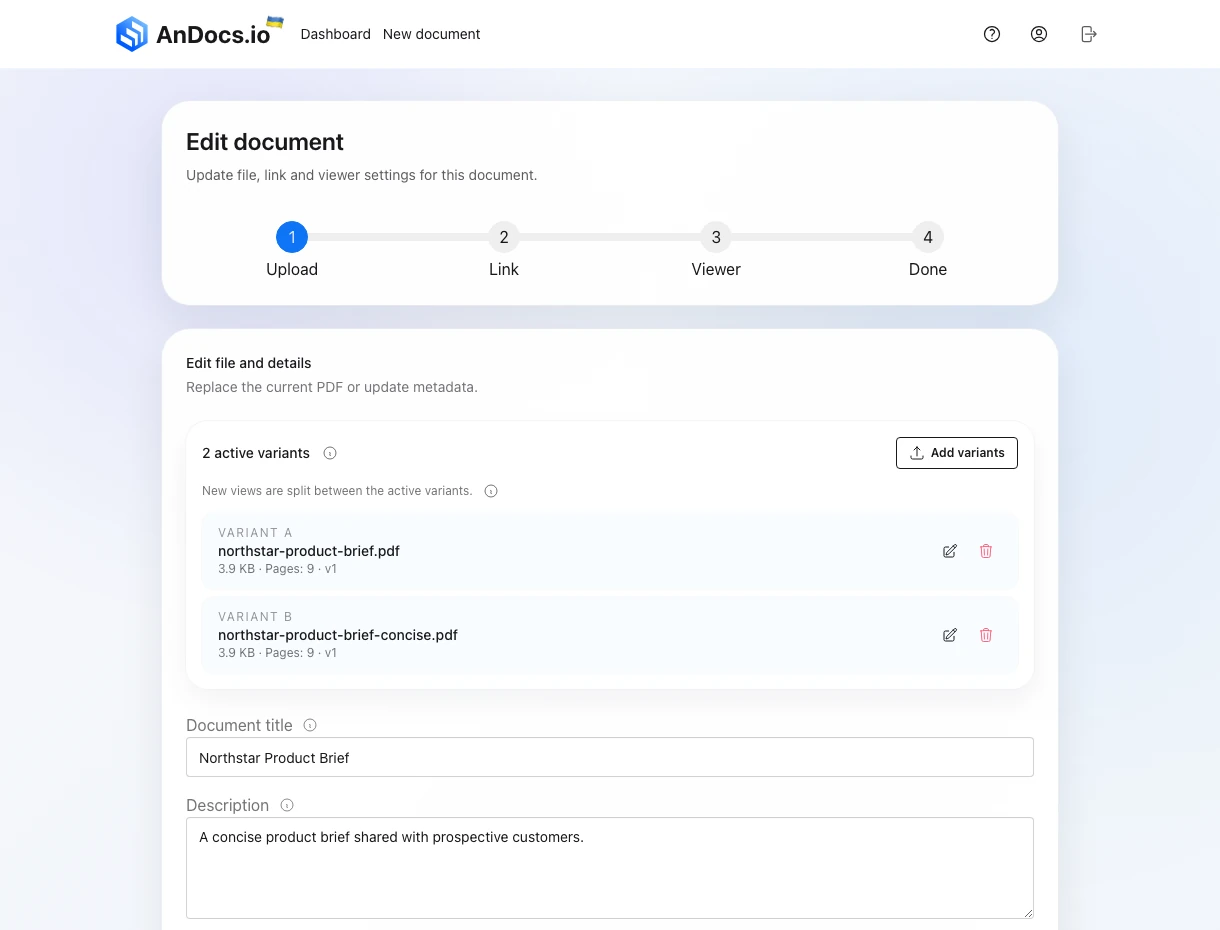
What to set before you publish
The first setup should stay simple:
- upload one PDF
- set the slot title people should recognize later
- add a short description only if it helps the reader
- add a CTA only if the next action is already obvious
- turn on a password only if the file is actually sensitive
The slot title matters more than the raw file name because the slot is the thing you will keep sharing, updating and reviewing later.
A CTA helps most when the document already has one clear next step:
- sales deck: book a call
- proposal: approve scope or reply
- onboarding guide: open the setup page
If the real next step is still discussion, review or internal forwarding, leave the CTA off and let reads, reach and downloads carry the signal first.
If this is the first time you are setting up a link, do not start with A/B. Start with one clear document and one clear follow-up action.
How the public link should look before the first send
Before you send the link to anyone else, check the public viewer once yourself. The opening page needs to feel clear fast. That still matches what we know from Lindgaard's first-impression research: weak early framing hurts the rest of the review.
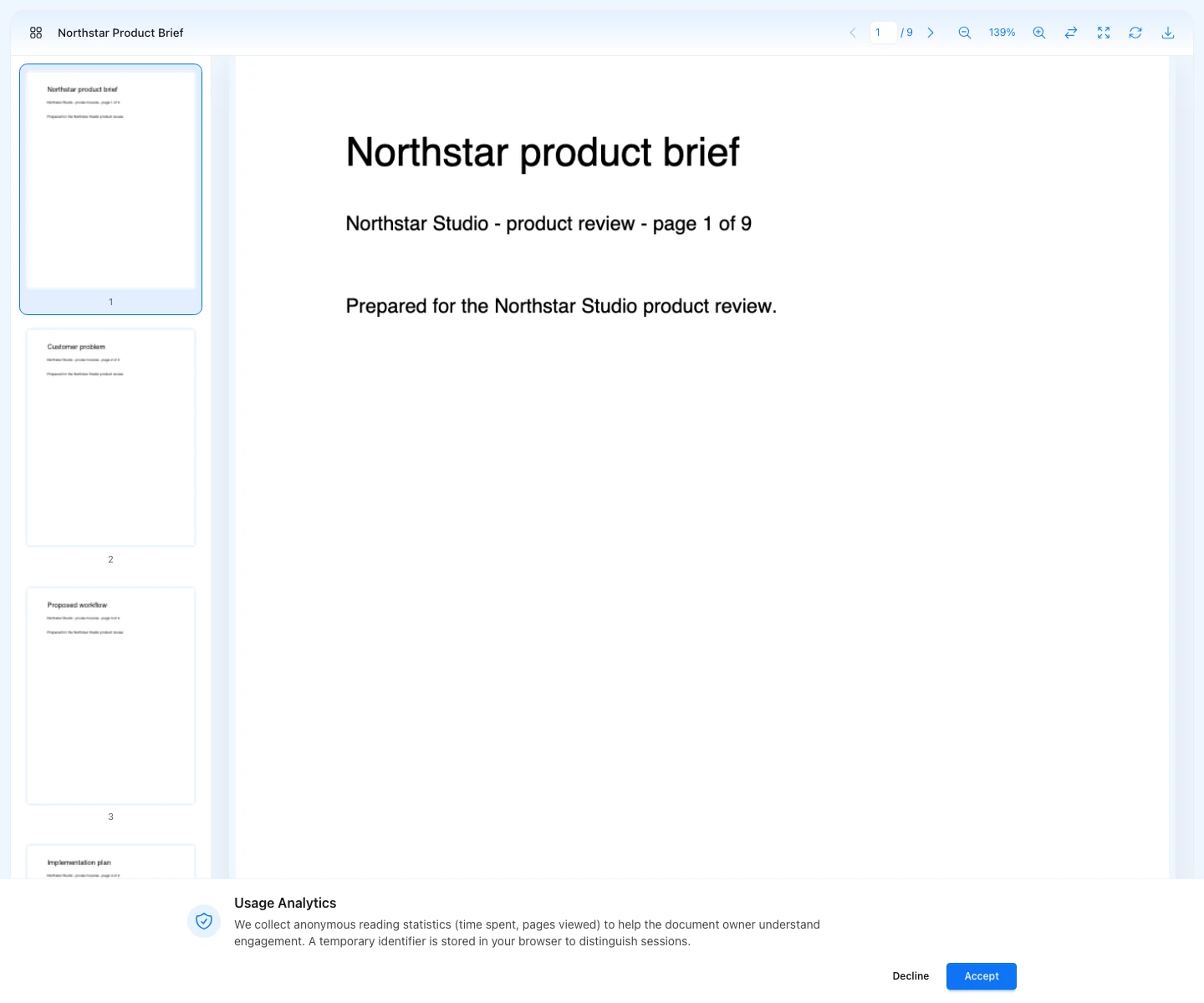
Review three things:
- the slot title is correct
- the first page is the right first impression
- the CTA or download action matches the job of the document
That makes the simple single-file flow useful for more than one job:
- share a sales deck and push readers to book the next call
- send a proposal and measure whether people move to the approval step
- publish an onboarding PDF and send people to the setup page only after they actually read it
What happens after publish
Once the slot is live, one link becomes the center of the workflow. From there you can:
- send the public link
- return to the same slot to replace the file later
- open the app preview if you want to inspect the reader flow
- review analytics after real sessions arrive
That is also when the workflow splits:
- if one file is enough, stay with the same slot and review metrics
- if you need to compare openings or structure, move to the same-slot A/B flow
Where this stops being a single-document workflow
If you already know you need to compare two openings, two proposal structures or two onboarding versions, do not create separate links too early. Move straight to the A/B guide so the variants stay under one slot.
What to do next
After the first real send, go to the analytics and metrics guide and review readers, full reads and page reach before you change the file.