When A/B testing is the right next step
Upload two to five PDFs into one slot, keep one slot title and let sessions split evenly across the active variants. If the document is protected, the password belongs to the slot, not to each file.
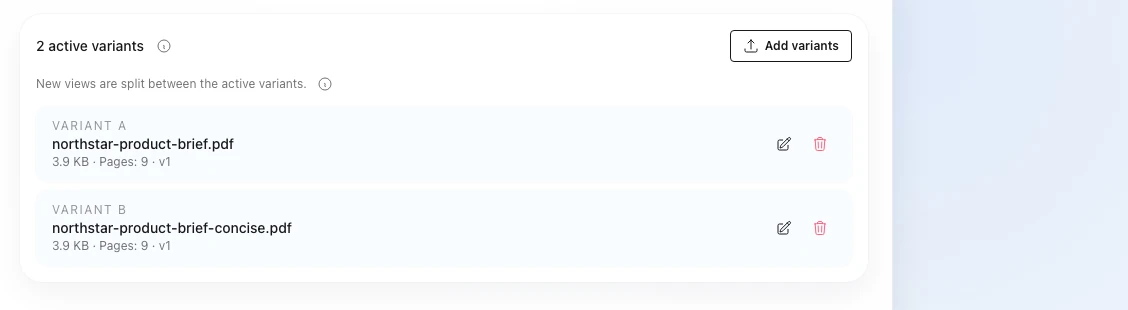
Start the test in four steps
- Open one slot and upload two to five PDFs.
- Keep one slot title for the public link.
- Set one password rule for the active set if the link is protected.
- Publish the slot and send one public link.
After that, AnDocs assigns new sessions randomly and evenly across the active variants.
The best use cases are document decisions that can change reading behavior inside one stable link:
- test two sales deck openings
- compare proposal structure or pricing order
- compare a shorter onboarding version with a more detailed one
How the slot works
One A/B slot in AnDocs has a few hard rules:
- up to five active variants
- equal random split only
- one slot title for the public link
- one password state for the active set
- each active variant counts as its own document in the plan
This is intentionally simpler than ad-style weighting. The point is to compare document decisions without creating several public links or hidden access states.
That also means the slot can keep the rest of the workflow stable while you compare the document itself: same public link, same password rule and the same CTA or download path for readers.
How to keep the access flow safe
If the slot uses a password, every active variant has to fit that same rule. Otherwise the same link can become inconsistent for readers, which is exactly what should not happen in a secure review flow.

Use one slot password when:
- one audience gets one shared link
- the file may be replaced later
- A/B testing is active
If different audiences truly need different passwords, that should usually be a different slot.
How version replacement should work
When one variant loses, replace that file inside the same slot instead of creating a brand new public link. That keeps the history cleaner and the workflow easier to follow.
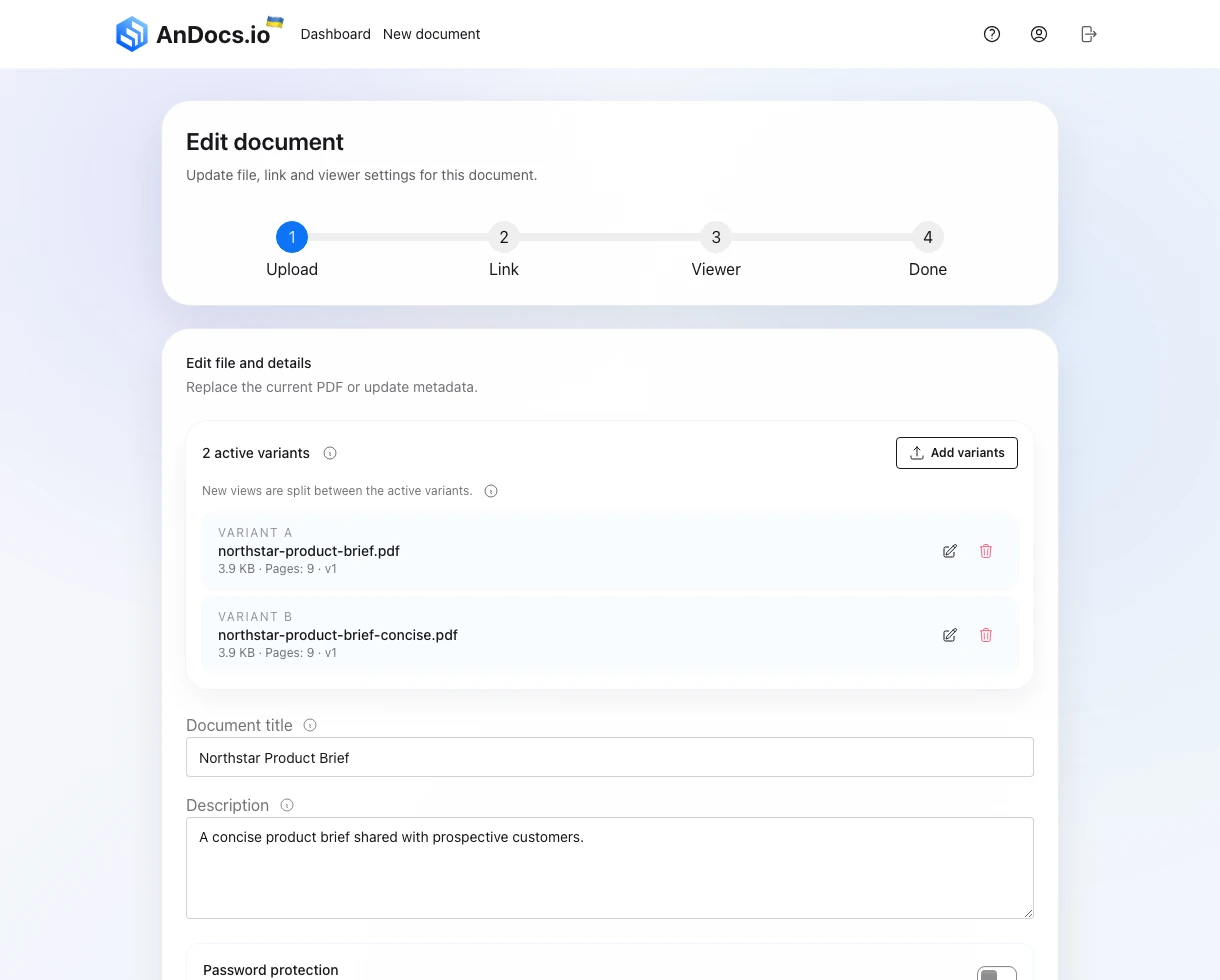
Treat replacement as a real version change:
- keep the slot
- keep the link
- replace only the weak variant
- compare the new version against the remaining active set
That replacement shows up later in analytics as a version change marker, so the before and after periods stay readable.
Check the reader flow before sending traffic
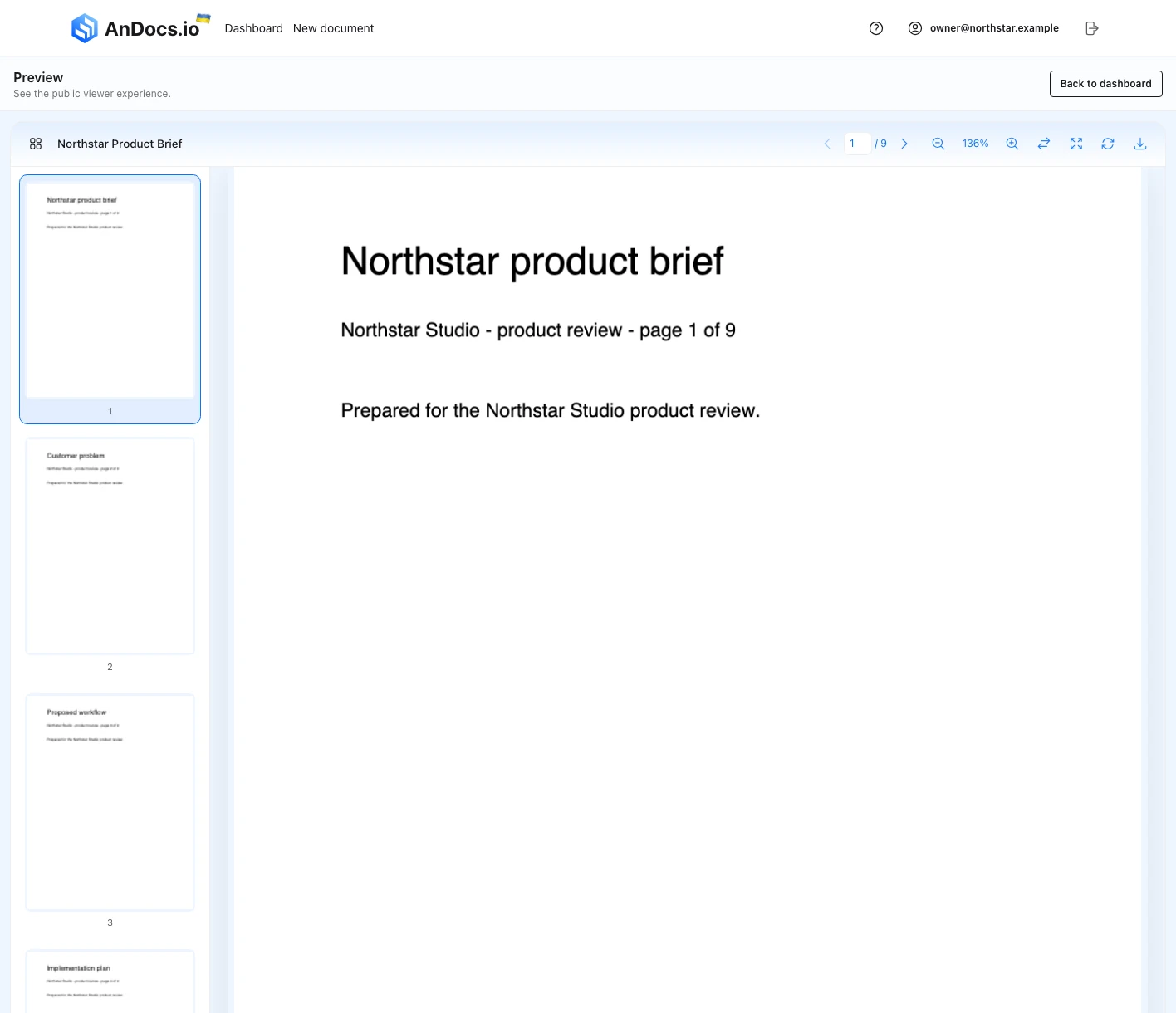
Open the preview once before a real send. You want to confirm the slot title, page order and viewer behavior before the test starts collecting live sessions.
What to do next
After the test starts, use the analytics overview to compare readers, full reads, page reach and variant changes before you replace anything else.